Only Organization admin can edit details about an Organization.
In the left sidebar menu, click on “Organization Settings” (1). Then click on the “Organization details” tab at the top (2) and in the right corner, click on the three vertical dots and select “Edit” (3).
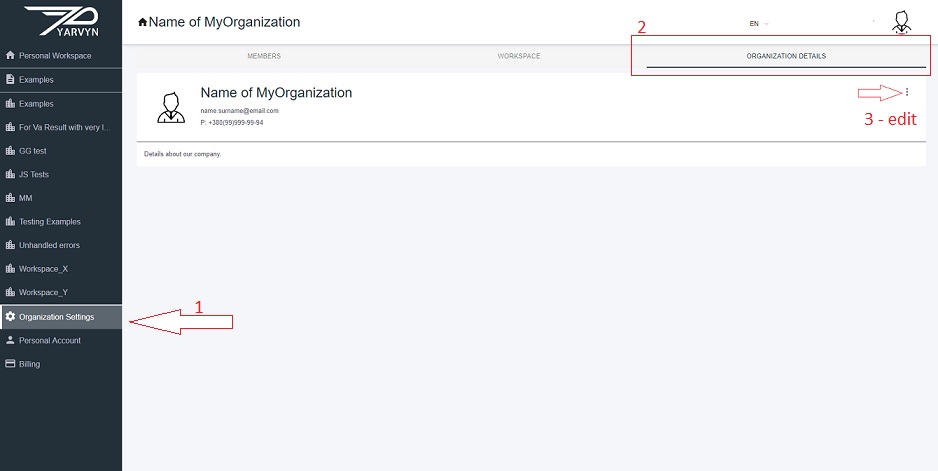
A pop-up window appears where you can edit the name and description of your organization. You can also add an email address of a responsible person.
Comments
0 comments
Please sign in to leave a comment.